Introduction
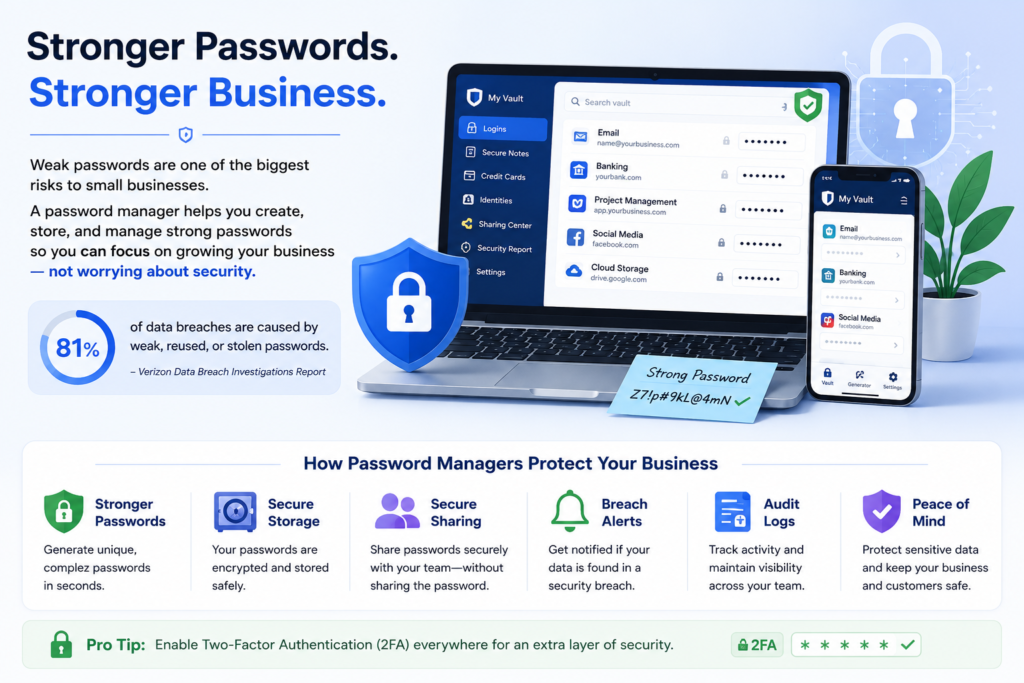
Choosing the right password manager is one of the most important cybersecurity decisions a small business can make. Weak or reused passwords are a common cause of data breaches, making password security essential for protecting sensitive business information.
In this guide, we’ll compare seven of the best password managers for small businesses based on security, ease of use, pricing, business features, and overall value. Whether you’re a startup, a growing company, or a remote team, this article will help you choose the solution that best fits your needs.
Why Small Businesses Need a Password Manager
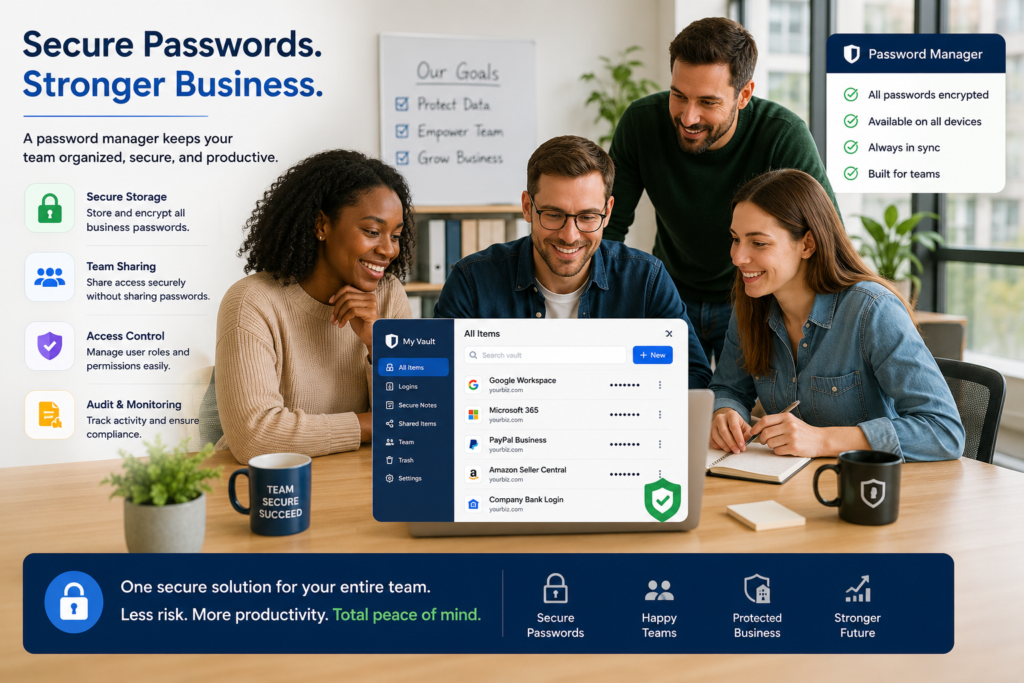
Small businesses are increasingly targeted by cybercriminals because they often have fewer security resources than larger organizations. A single weak or reused password can expose customer data, financial records, and internal systems to attackers.
A business password manager helps teams create strong, unique passwords for every account while securely storing them in an encrypted vault. Instead of sharing passwords through email, spreadsheets, or messaging apps, employees can safely share credentials without revealing the actual password.
Most business password managers also include features such as multi-factor authentication (MFA), secure password sharing, activity logs, emergency access, and administrative controls. These features help businesses reduce security risks while improving productivity.
Benefits of using a password manager:
• Strong, unique passwords for every account
• Secure password sharing between employees
• Protection against phishing and credential theft
• Centralized management for IT administrators
• Support for multi-factor authentication (MFA)
• Easier onboarding and offboarding of employees
How We Chose the Best Password Managers
We evaluated each password manager based on security, pricing, ease of use, business features, customer support, and overall value for small businesses. Our recommendations prioritize solutions that offer strong encryption, secure password sharing, and reliable administration tools.
Bitwarden (Best Overall)
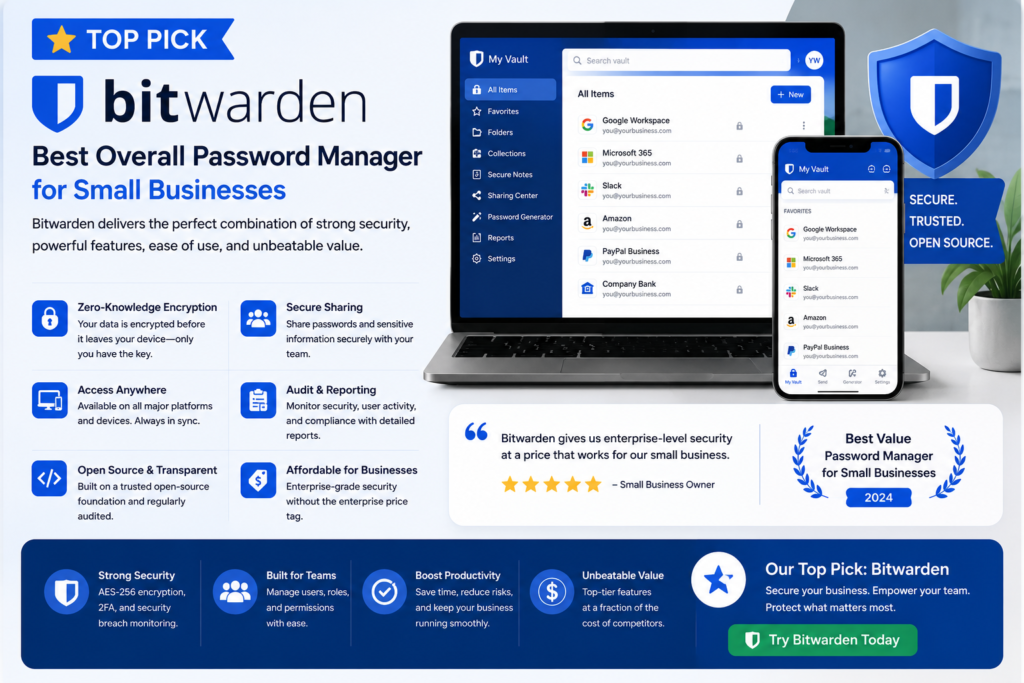
Best for: Small businesses looking for strong security at an affordable price.
Bitwarden is one of the most trusted password managers available today. It combines enterprise-level security with affordable pricing, making it an excellent choice for startups and small businesses.
Unlike many competitors, Bitwarden is open source, meaning its code can be independently audited by security experts. It also supports unlimited password storage, secure password sharing, passkeys, two-factor authentication, and encrypted vaults.
Pros
• Affordable business plans
• Open-source security
• End-to-end encryption
• Cross-platform support
• Easy team password sharing
Cons
• Interface is simpler than some competitors
• Advanced reporting is limited on lower-tier plans
Our Rating
⭐⭐⭐⭐⭐ (5/5)
Best for: Startups, remote teams, and budget-conscious businesses.
1Password (Best for Growing Teams)
Best for: Businesses that want premium security and an easy-to-use interface.
1Password is a premium password manager built for businesses that need strong security and a smooth user experience. It includes secure password sharing, Watchtower security alerts, Travel Mode, and administrator controls that help protect company credentials.
Many organizations choose 1Password because it balances powerful security features with an interface that’s easy for employees to learn.
Pros
• Excellent user interface
• Strong security features
• Watchtower security monitoring
• Easy team management
• Great customer support
Cons
• Higher price than Bitwarden
• No free business plan
Our Rating
⭐⭐⭐⭐⭐ 4.8/5
Best for: Growing businesses that want premium security features.
Keeper Security (Best for Compliance)
Best for: Businesses that need advanced security, compliance, and administrative controls.
Keeper Security is a business-focused password manager designed for organizations that require strong access controls and regulatory compliance. It offers zero-knowledge encryption, secure password sharing, dark web monitoring, and detailed administrative reporting.
Keeper is especially popular with businesses in healthcare, finance, legal services, and other industries that must meet strict security and compliance requirements.
Pros
• Zero-knowledge security architecture
• Advanced administrator controls
• Dark web monitoring
• Compliance-ready security features
• Excellent reporting and auditing tools
Cons
• Premium features require higher-tier plans
• Can be more expensive than competitors
Our Rating
⭐⭐⭐⭐⭐ 4.8/5
Best for: Businesses with compliance requirements such as HIPAA, SOC 2, PCI DSS, or ISO 27001.
Dashlane (Best for Ease of Use)
Best for: Businesses that want an intuitive password manager with built-in security monitoring.
Dashlane combines a clean, user-friendly interface with powerful security features. It offers encrypted password storage, secure password sharing, dark web monitoring, and a built-in VPN on selected plans. Businesses can manage employee credentials while reducing the risk of password-related breaches.
Pros
• Very easy to use
• Dark web monitoring
• Built-in VPN on premium plans
• Secure password sharing
• Excellent mobile apps
Cons
• Higher pricing than some competitors
• VPN not included on every plan
Our Rating
⭐⭐⭐⭐⭐ 4.7/5
Best for: Small businesses that want simplicity without sacrificing security.
NordPass (Best Value)
Best for: Small businesses looking for premium features at a competitive price.
NordPass is developed by the team behind NordVPN and provides strong encryption, password health reports, secure password sharing, and business administration tools. It offers an excellent balance of affordability, security, and ease of use.
Pros
• Affordable pricing
• Excellent security
• Password Health dashboard
• Secure password sharing
• Easy setup
Cons
• Fewer advanced business features than enterprise-focused competitors
• Limited customization options
Our Rating
⭐⭐⭐⭐⭐ 4.7/5
Best for: Small businesses seeking strong value for their investment.
Proton Pass (Best Privacy)
Best for: Privacy-conscious businesses and remote teams.
Proton Pass is built by the creators of Proton Mail and focuses on protecting user privacy through end-to-end encryption. It securely stores passwords, passkeys, payment cards, and notes while maintaining a strong commitment to user privacy.
Pros
• End-to-end encryption
• Excellent privacy protections
• Modern interface
• Passkey support
• Trusted security company
Cons
• Business features are still expanding
• Smaller ecosystem than older competitors
Our Rating
⭐⭐⭐⭐⭐ 4.6/5
Best for: Organizations that prioritize privacy and encrypted communications.
RoboForm (Best Budget Option)
Best for: Businesses needing an affordable password manager with essential features.
RoboForm has been a trusted password manager for many years. It offers secure password storage, password generation, autofill capabilities, and encrypted password sharing at an affordable price.
Pros
• Budget-friendly pricing
• Reliable autofill
• Secure password storage
• Easy to use
• Long-established reputation
Cons
• Interface feels dated
• Fewer enterprise features than premium competitors
Our Rating
⭐⭐⭐⭐☆ 4.5/5
Best for: Budget-conscious small businesses and startups.
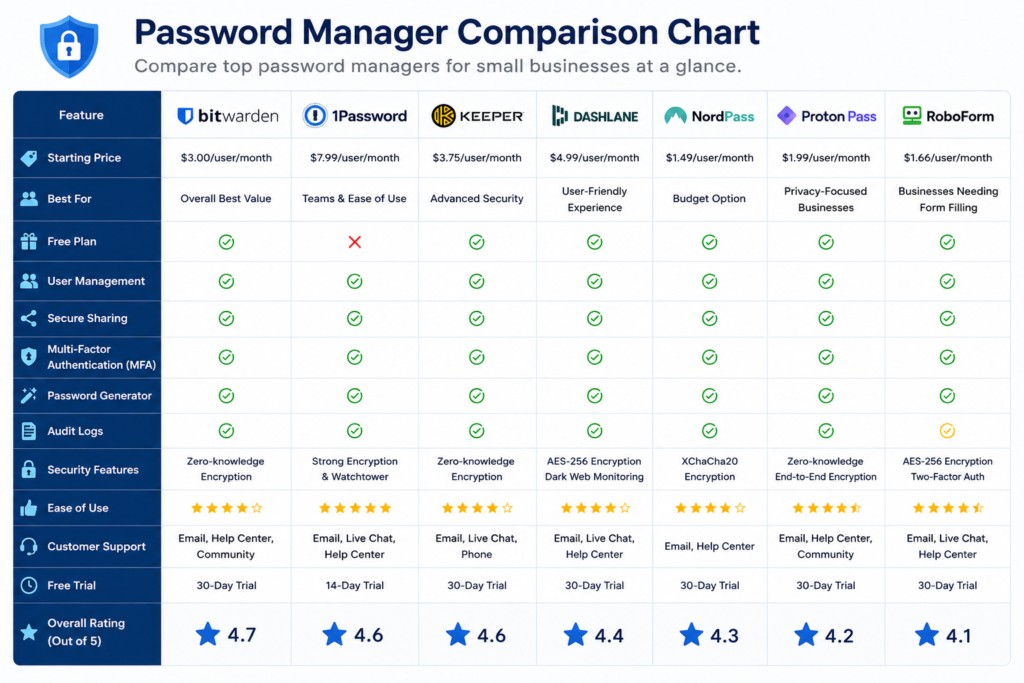
Comparison Table
| Password Manager | Best For | Free Plan | Starting Price | Rating |
| Bitwarden | Best Overall | Yes | $ | ⭐⭐⭐⭐⭐4.7 |
| 1Password | Growing Teams | No | $$ | ⭐⭐⭐⭐⭐4.6 |
| Keeper Security | Enterprise Security | No | $$ | ⭐⭐⭐⭐⭐4.6 |
| Dashlane | Ease of Use | No | $$ | ⭐⭐⭐⭐☆ 4.4 |
| NordPass | Best Value | Yes | $ | ⭐⭐⭐⭐☆ 4.3 |
| Proton Pass | Privacy | Yes | $ | ⭐⭐⭐⭐☆ 4.2 |
| RoboForm | Budget | Yes | $ | ⭐⭐⭐⭐☆ 4.1 |
Frequently Asked Questions
- Which password manager is best for small businesses?
Bitwarden is our top choice because it offers excellent security, affordable pricing, and business-friendly features. - Is Bitwarden free for business use?
Bitwarden offers a free personal plan, but businesses should consider its paid plans for team management and advanced security features. - Are password managers safe?
Yes. Reputable password managers use strong encryption and multi-factor authentication to protect your credentials. - Can employees securely share passwords?
Yes. Most business password managers provide secure password sharing without revealing the actual password. - Which password manager is easiest to use?
Dashlane and 1Password are both known for their user-friendly interfaces.
Final Verdict
For more security tips, visit our Privacy & Security section. https://ritrich.com/category/privacy-security/
Bitwarden is our top recommendation for most small businesses because it offers an excellent balance of security, affordability, and business features. If your team needs premium collaboration tools, 1Password and Keeper Security are also excellent choices.